
A locked mobile can cause instant frustration as you become unable to perform necessary basic tasks. It can happen due to a forgotten password or too many incorrect attempts made in a desperate attempt to regain access. Regardless of the reasons, such a scenario can seriously disrupt your day. Luckily, the way to regain access is not at all hard.
All that is needed is the help of an Android or iPhone unlocker and a few guided prompts. This guide will walk you through the most effective approach to do so without stress. Read on to find out about the different types of locks and the best tool to handle them.
Part 1. Top Reasons Phones Get Locked and Why Built-in Options Often Fail
Before finding a fix, it helps to understand how and why phones end up locked. Moreover, knowing why native tools don’t always save the day also matters. Many users run into these problems without even realizing how tricky the recovery can get. The following are some such issues that require an iOS or Android phone unlocker:
1. Forgotten Passcodes After Too Many Attempts
Possibly the most common factor people get locked out is simply entering the wrong password too many times. This usually triggers a lockout for security reasons, as iPhones and Android phones will both disable further access. It is until you reset the device or verify ownership, steps that may not be simple if you’re missing certain details.
2. Secondhand or Gifted Phones Still Linked to Old Accounts
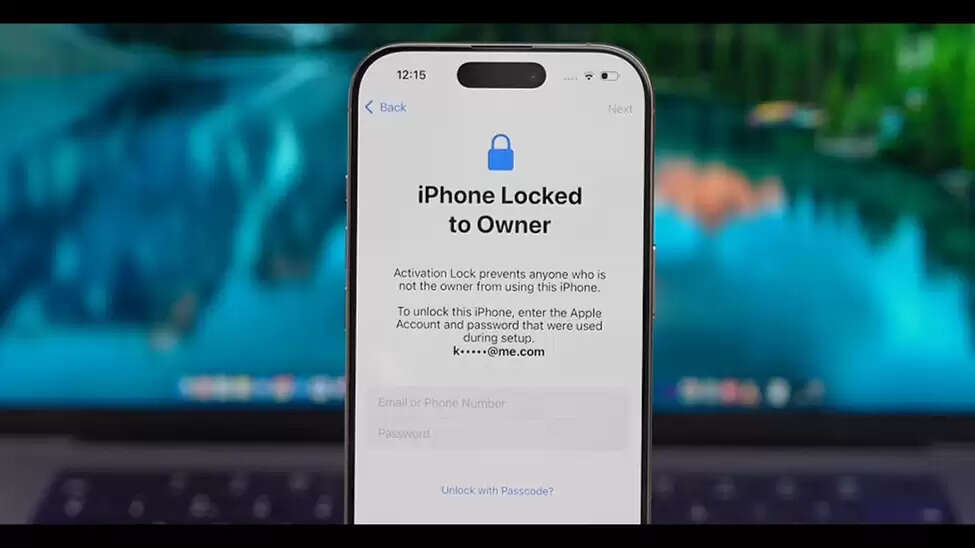
Buying or receiving a used phone can be great until you realize it’s still locked to the previous owner’s Apple ID or Google account. This activates a security layer, such as iCloud Activation Lock or FRP, which prevents unauthorized access. Without the original account login, built-in tools won’t help you get past this wall.
3. Limited Access Through iTunes or Finder
Many iPhone users turn to the native Apple software to reset their device. However, these tools require that your phone was previously synced or that you know the Apple ID password. When your phone hasn’t been backed up or you’re not the original owner, this method may not work at all.
4. Find My iPhone and Android Device Manager Restrictions
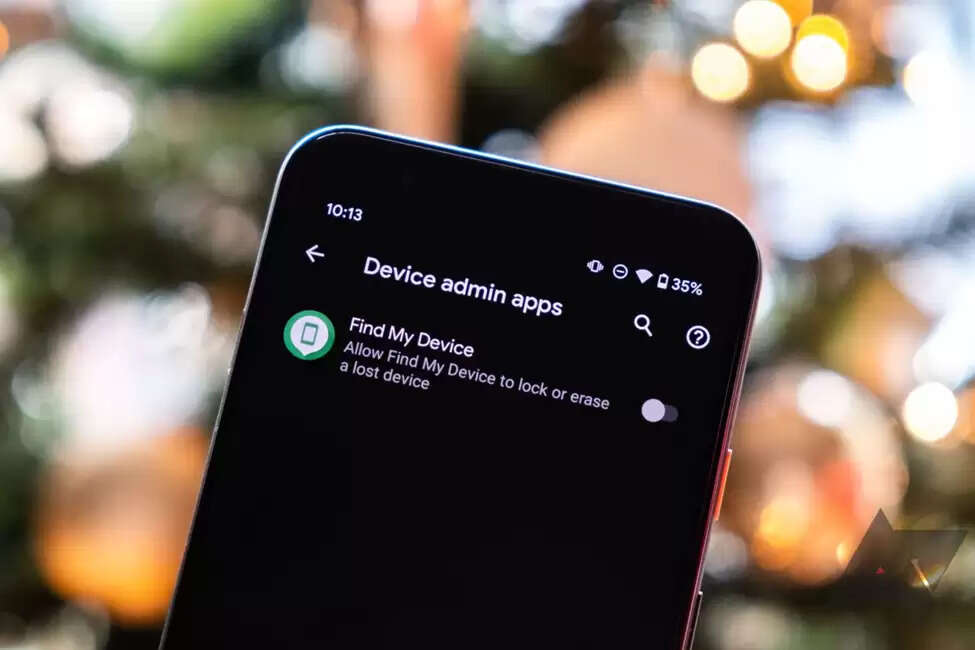
These tracking tools are meant for lost devices, not unlocking them. While they can erase the device remotely, they won’t remove MDM restrictions or Google account verification. Plus, you must be logged into the original account, which many locked-out users don’t have access to.
Sometimes it’s not user error but a system glitch that causes the lock. These range from a failed update and a crashing screen to malware that freezes the phone, preventing it from working. Most of the native recovery options may not detect the issue or may fail mid-process, leaving the phone in a stuck state.
Part 2. Dr.Fone – A Smarter Way to Unlock iPhones Without Hassle
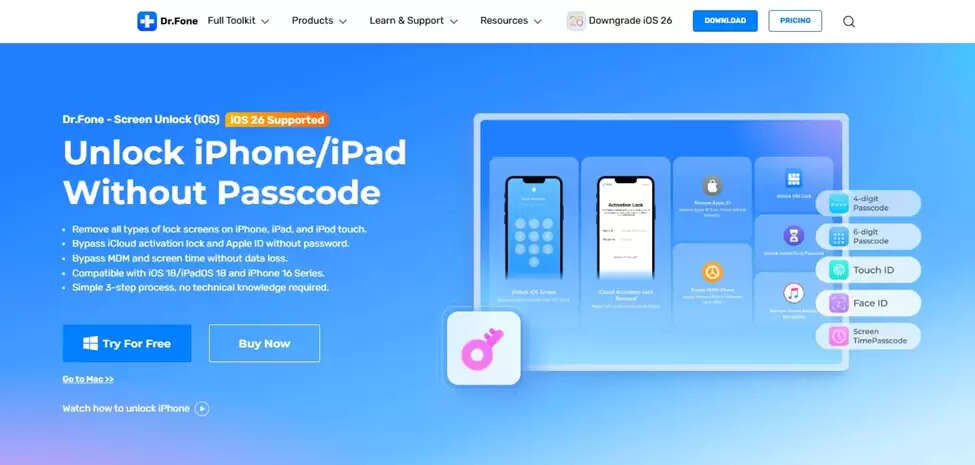
The realization that native methods aren’t gonna help much, the next step is to look for a more flexible and robust solution. It is especially important when you’re locked out and don’t have access to your Apple ID or passwords. That’s where a smarter tool like Dr.Fone – Screen Unlock (iOS) makes all the difference. It offers exactly that kind of smart support.
Designed as a reliable iPhone unlocker, it helps users bypass all kinds of iOS lock screens with just a few simple clicks. From dealing with a forgotten 4-digit or 6-digit passcode to being stuck on a Face ID or Touch ID screen, this tool steps in where others fail. No knowledge of technical terms or following complicated steps is required from you, either.
Its offered process is straightforward and works on a wide range of iPhone and iPad models. These include even those running the latest iOS versions. At no point does it require you to input your Apple ID or connect to iTunes, which makes it ideal for secondhand phone users or anyone who’s been completely locked out. Most importantly, it’s a secure and trusted solution used by millions globally.
Part 3. Dr.Fone – Unlocking Android Phones with One Click
After understanding how well it works on iPhones, it’s equally important to know that Dr.Fone also offers a powerful solution for Android users. Many people assume that unlocking an Android phone means rooting the device or following long and confusing instructions. Yet that’s no longer the case as Dr.Fone – Screen Unlock (Android) makes unlocking Android phones as easy as clicking a button.
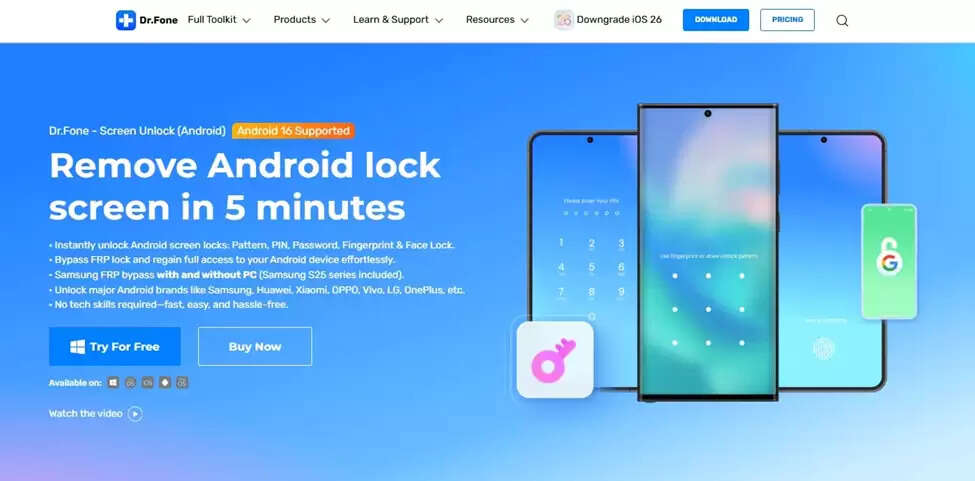
With a clean interface and simple drag-and-drop functionality, the tool removes various types of screen locks in just minutes. From a phone locked with a pattern or PIN to a password or even a fingerprint, this Android phone unlocker can handle it without any extra steps. What makes it even more straightforward is that no rooting is required. That means the phone’s firmware or integrity is never at risk.
It supports a wide range of Android brands, from Samsung and Xiaomi to Huawei and many others. That gives users a consistent solution regardless of mobile model type. Even in cases where the screen is broken, Dr.Fone lets you remove the lock for data extraction via simple instructions. For anyone who feels stuck or overwhelmed, this Android phone unlocker gets your device back in working order with minimal effort.
Part 4. FRP Bypass for Android: A Lifesaver After Factory Reset
At times, even erasing the mobile does not help but ends up making the situation even worse. Many are forced to perform a hard reset to get rid of the screen lock, only to be blocked by a Google verification screen they can’t bypass. That’s when knowing about FRP bypass becomes essential. Factory Reset Protection is Google’s native security feature that activates automatically after an unusual mobile restoration.
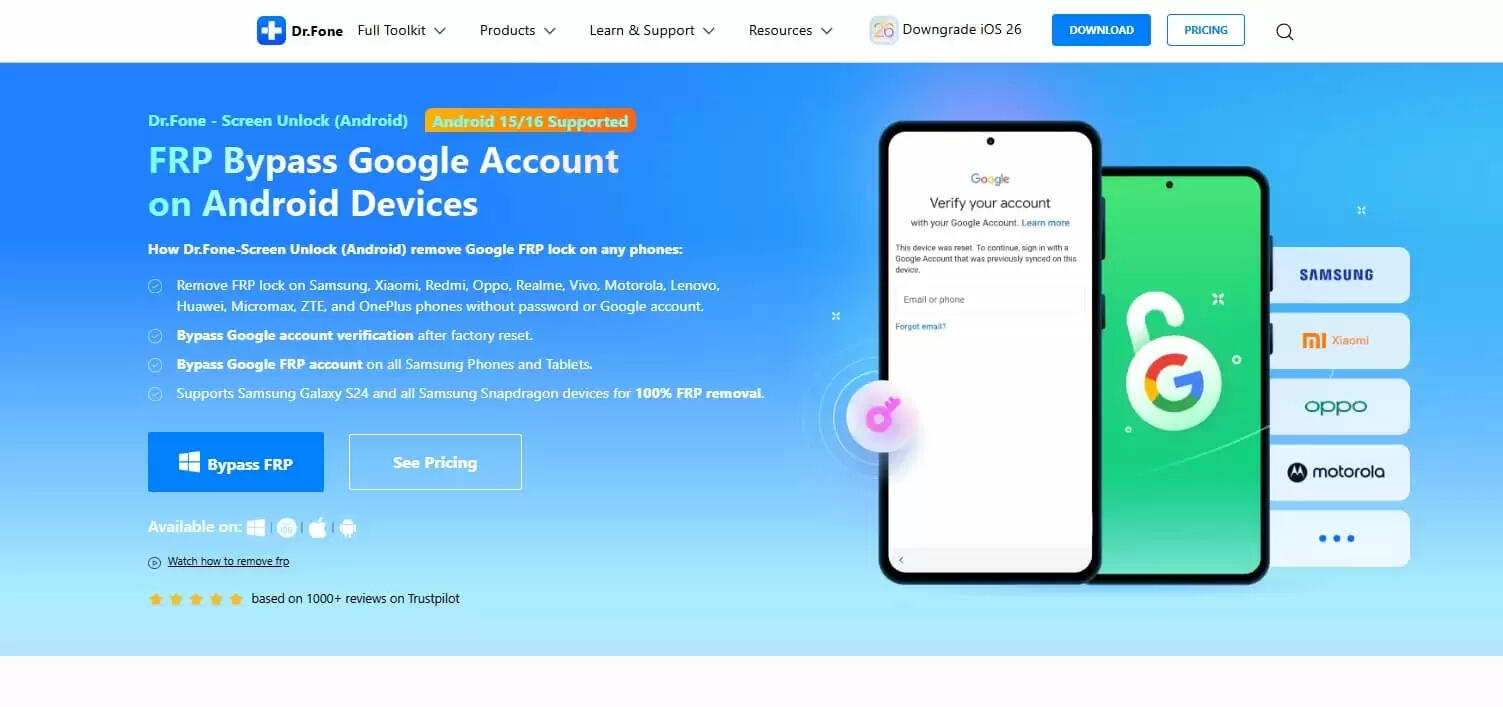
It’s meant to stop unwanted access, especially in the case of theft. Yet for many legitimate users, it becomes a major obstacle out of nowhere. Such users include those who bought a secondhand phone or forgot their old Google account credentials. After the reset, the phone asks for the last synced Google ID and password, and there’s no skipping it without that info.
This is where an FRP bypass tool like Dr.Fone – Screen Unlock (Android) can be a real lifesaver. It helps remove this verification lock so users can access their phones again without the original account for over ten Android brands. From Samsung to Huawei or another brand, this method works across many mobile models and OS versions. With the right tool, the need for complicated commands or risky tricks becomes obsolete.
Conclusion
In the end, getting locked out of your phone doesn’t have to mean panic or expensive repairs. Whether it’s an iPhone or Android, you now have simple and safe ways to get back in. Dr.Fone offers reliable tools for screen unlock and FRP bypass. So instead of struggling with complex methods, download Dr.Fone to unlock your phone quickly and confidently, no matter the issue or device model.
About the Author