
How to Activate a New BSNL SIM Card?
Aug 24, 2025, 01:46 IST
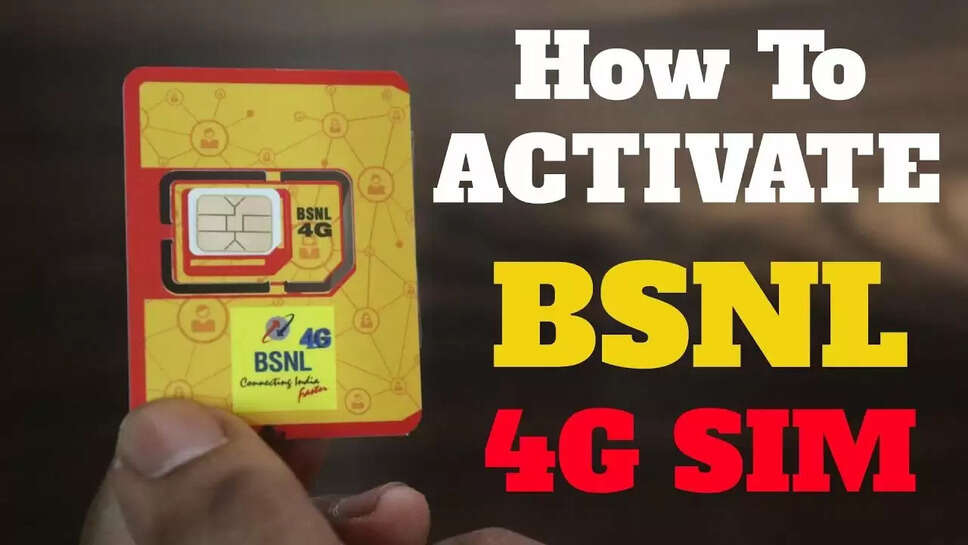
Your BSNL SIM Activation
SIM Insertion
Go by placing the new BSNL SIM card into your mobile device. Make sure that the SIM fits into the tray properly and restart your mobile phone, so it can recognize the SIM.
Tele-Verification
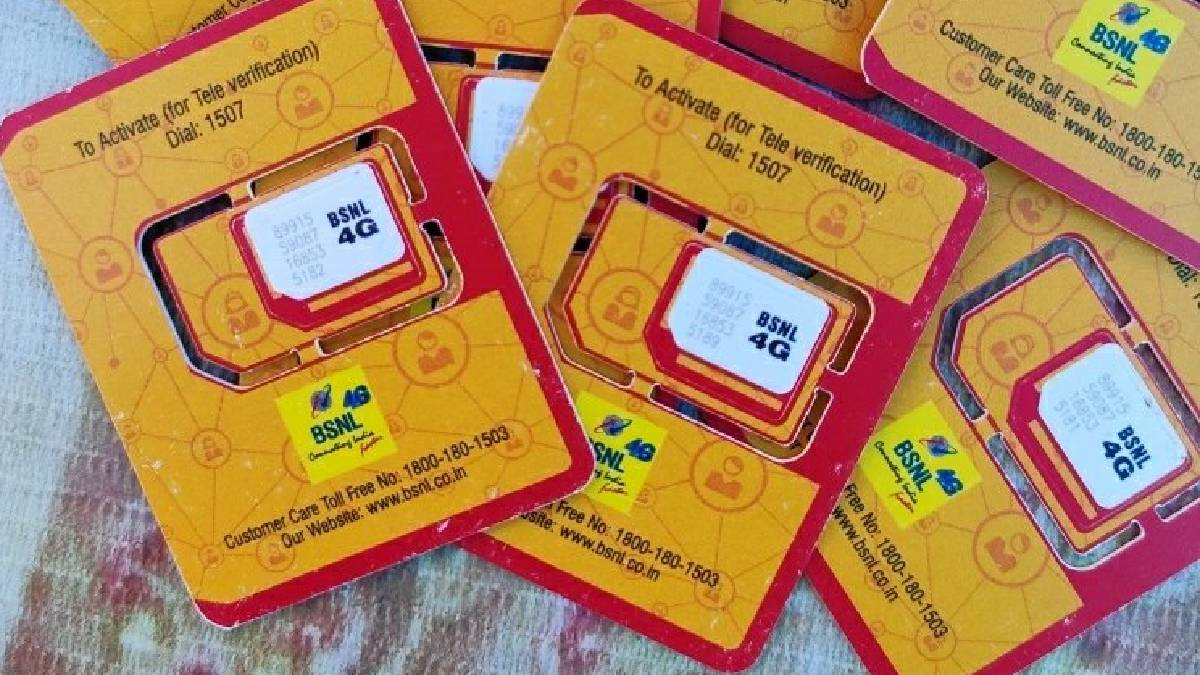
From your phone, dial 1507 to verify your identity through automated voice instructions. You may be required to provide your personal information and confirm your identity.
Activation Confirmation
Once person verification is done, a confirmation SMS about the activated SIM will be sent. This will be valid only for about 30 minutes to two hours, so if it extends much beyond that, you are advised to contact BSNL Customer Care at 1500 (from a BSNL number) or at 1800-345-1500 (from other networks).
Activating Data Services
Send an Activation SMS
Send the word ‘START’ to 1925 from your BSNL number to enable mobile internet services.
APN Configuration (if required)
Most devices automatically receive the internet settings. If not, you can manually set the APN:
For Android: Go to Settings > Network & Internet > Mobile Network > Access Point Names. Create a new APN with Name: BSNL and APN: bsnlnet. Save and select it.
For iOS: Navigate to Settings > Mobile Data > Mobile Data Options > Mobile Network, enter APN: bsnlnet, leave other fields blank, and save.
Once the configuration is done, turn on the mobile data and start surfing the internet.
Protecting Your SIM
Keep Using Your SIM: The number must be active at least for outbound purposes. You can place the call to keep the number active, send an SMS, or use mobile data.
Recharge Test: This implies that BSNL provides prepaid plans with different periods of validity and that recharges are accepted when done within the plan's period of validity.
What Are These Periods of Grace?
GP1: Only incoming calls will be permitted from the 1st day to the 7th day after expiry.
GP2: From Day 8 to Day 165; outgoing services are denied and balance may be forfeited
.
In case deactivation takes place, rush to the nearest BSNL Customer Service Centre for reactivation with valid ID and address proof.
Additional Help
If you face any problems, please contact the BSNL customer care or directly go to the nearest BSNL store for assistance. These measures shall guarantee the activation of the BSNL SIM and its smooth functioning.
SIM Insertion
Go by placing the new BSNL SIM card into your mobile device. Make sure that the SIM fits into the tray properly and restart your mobile phone, so it can recognize the SIM.
Tele-Verification
From your phone, dial 1507 to verify your identity through automated voice instructions. You may be required to provide your personal information and confirm your identity.
Activation Confirmation
Once person verification is done, a confirmation SMS about the activated SIM will be sent. This will be valid only for about 30 minutes to two hours, so if it extends much beyond that, you are advised to contact BSNL Customer Care at 1500 (from a BSNL number) or at 1800-345-1500 (from other networks).
Activating Data Services
Send an Activation SMS
Send the word ‘START’ to 1925 from your BSNL number to enable mobile internet services.
APN Configuration (if required)
Most devices automatically receive the internet settings. If not, you can manually set the APN:
For Android: Go to Settings > Network & Internet > Mobile Network > Access Point Names. Create a new APN with Name: BSNL and APN: bsnlnet. Save and select it.
For iOS: Navigate to Settings > Mobile Data > Mobile Data Options > Mobile Network, enter APN: bsnlnet, leave other fields blank, and save.
Once the configuration is done, turn on the mobile data and start surfing the internet.
Protecting Your SIM
Keep Using Your SIM: The number must be active at least for outbound purposes. You can place the call to keep the number active, send an SMS, or use mobile data.
Recharge Test: This implies that BSNL provides prepaid plans with different periods of validity and that recharges are accepted when done within the plan's period of validity.
What Are These Periods of Grace?
GP1: Only incoming calls will be permitted from the 1st day to the 7th day after expiry.
GP2: From Day 8 to Day 165; outgoing services are denied and balance may be forfeited
.
In case deactivation takes place, rush to the nearest BSNL Customer Service Centre for reactivation with valid ID and address proof.
Additional Help
If you face any problems, please contact the BSNL customer care or directly go to the nearest BSNL store for assistance. These measures shall guarantee the activation of the BSNL SIM and its smooth functioning.